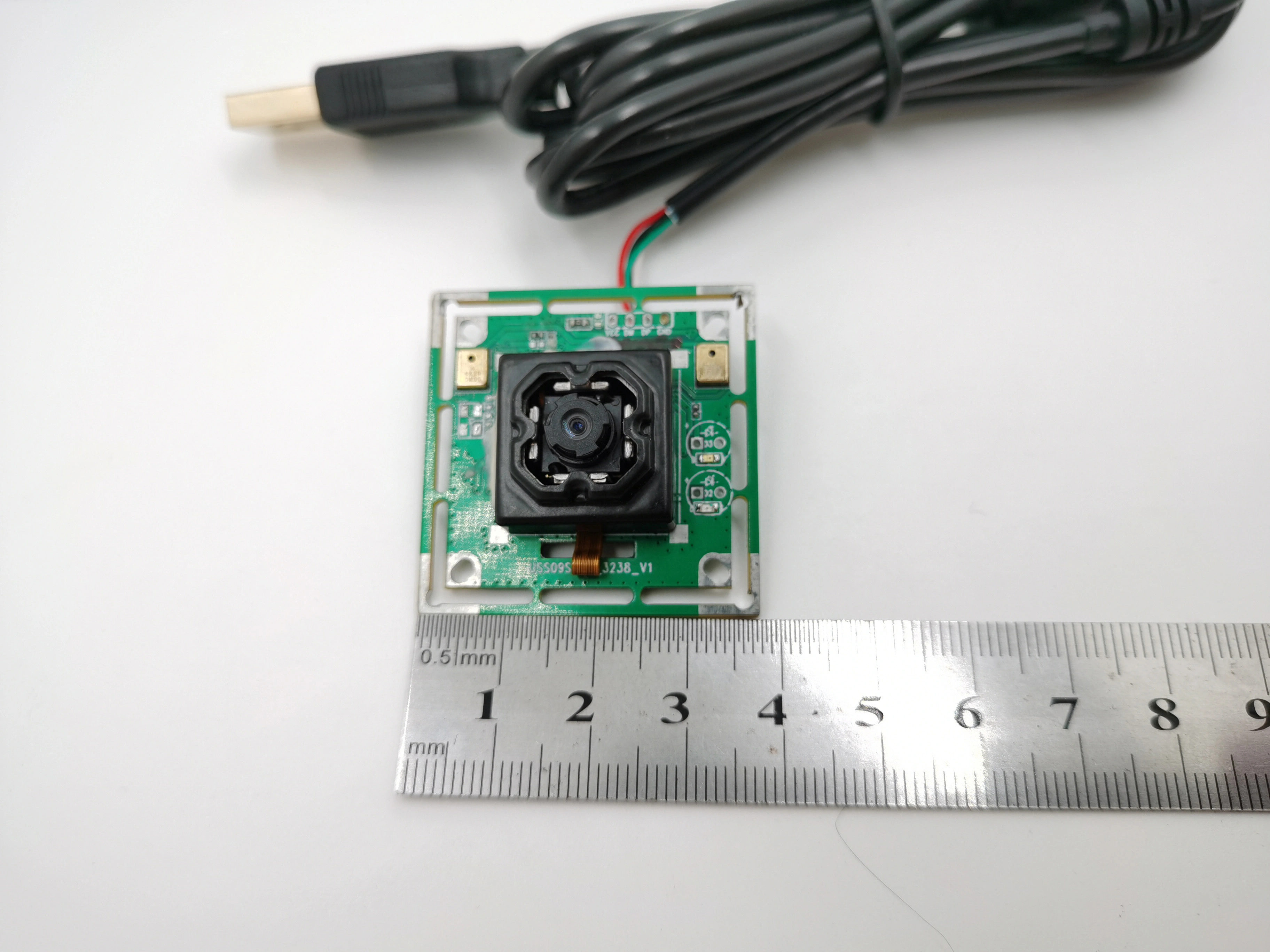
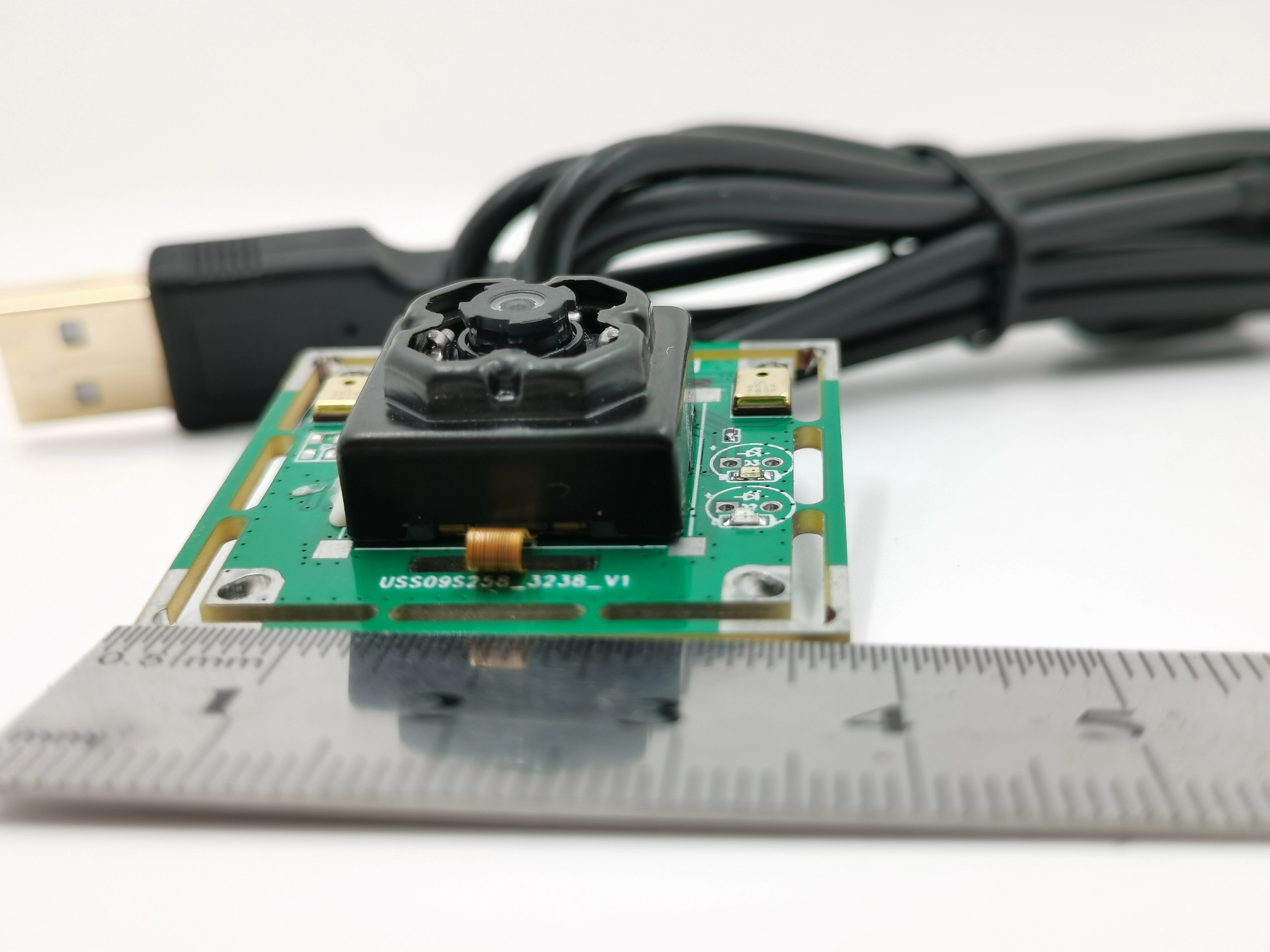
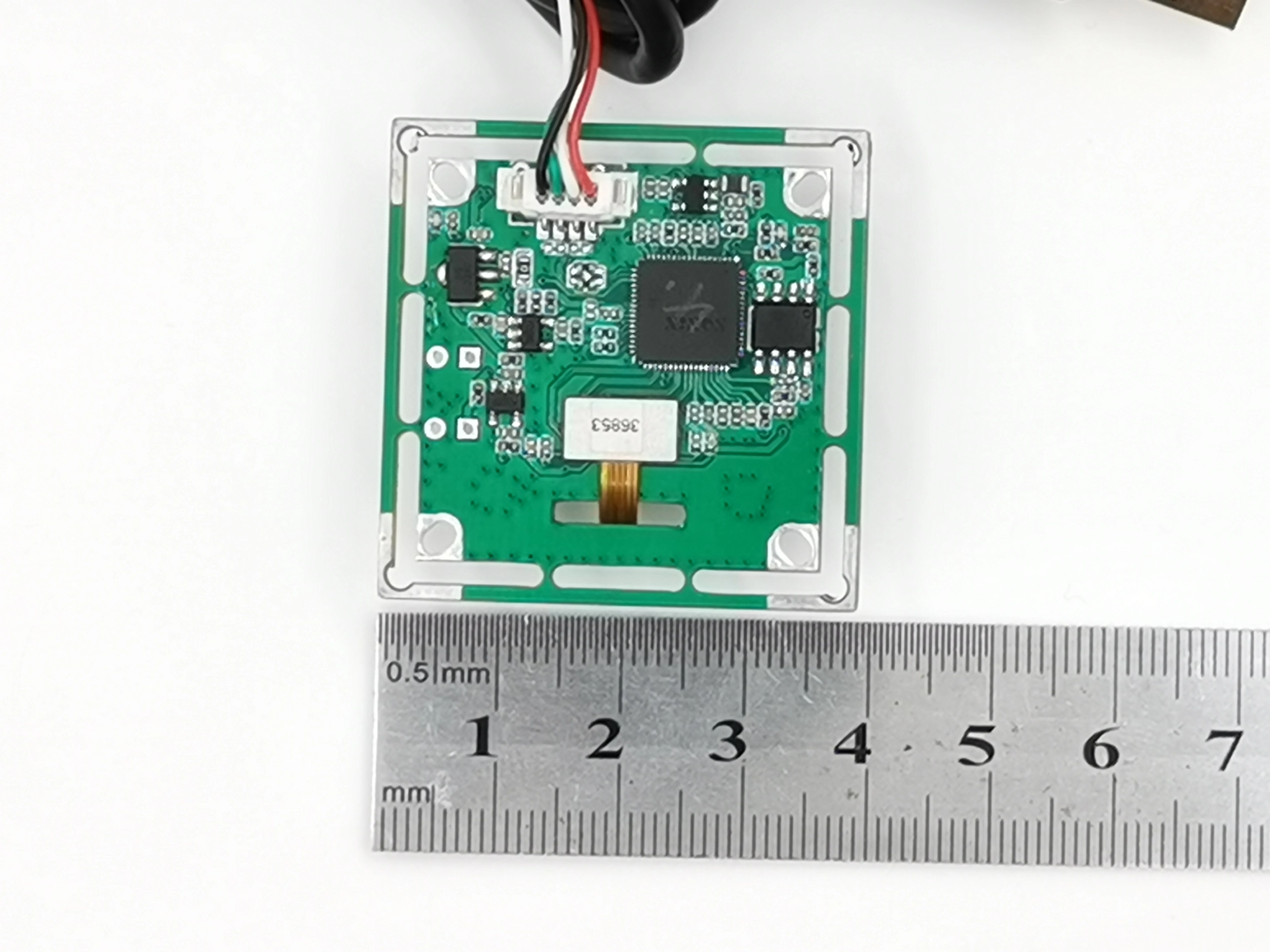
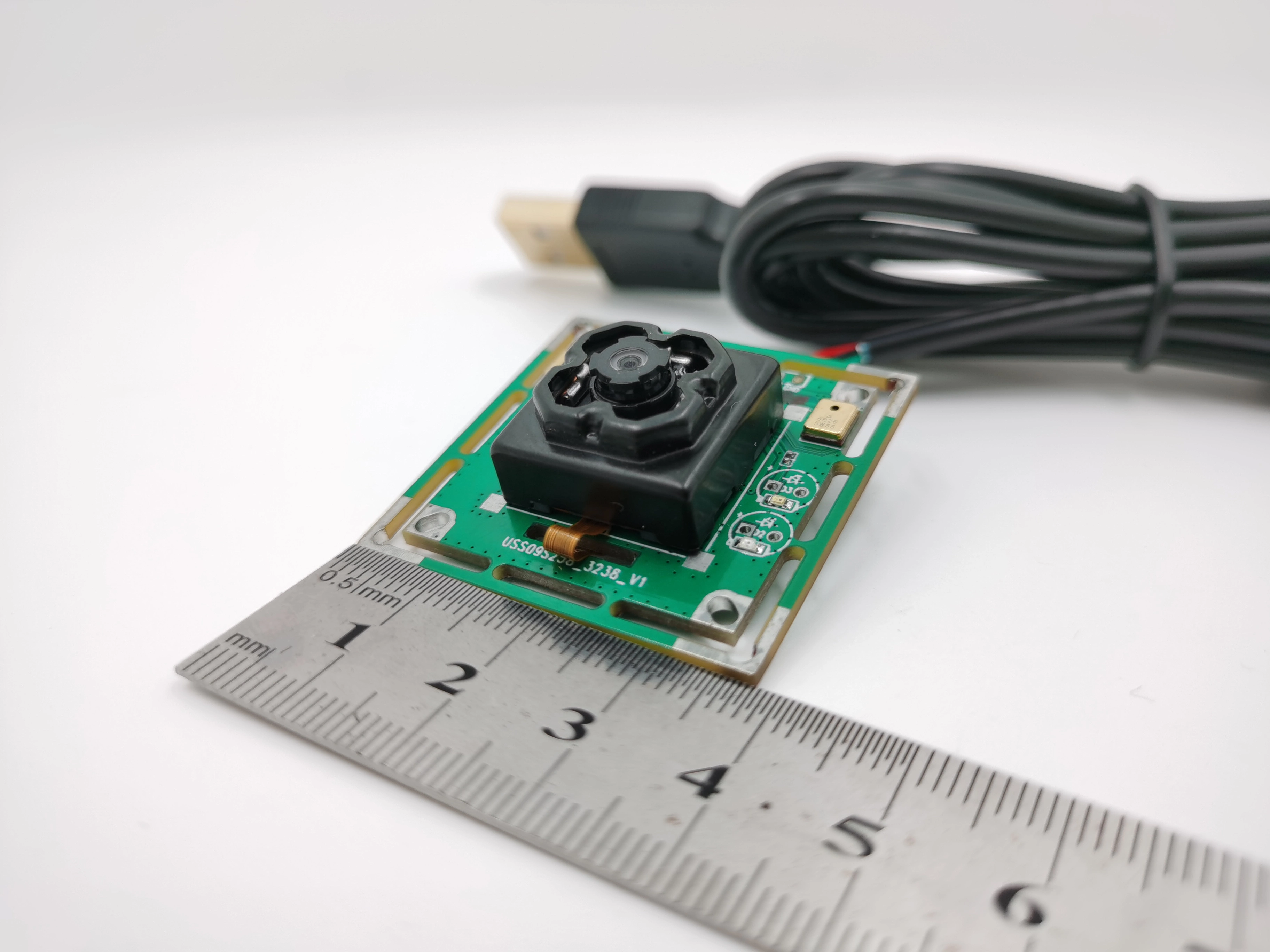
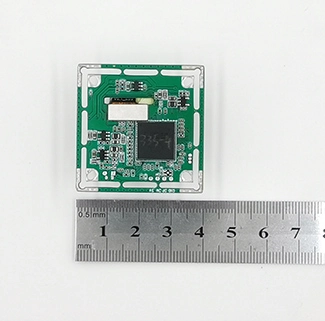
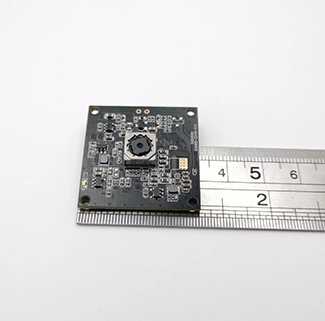
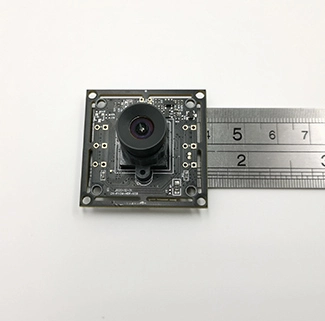
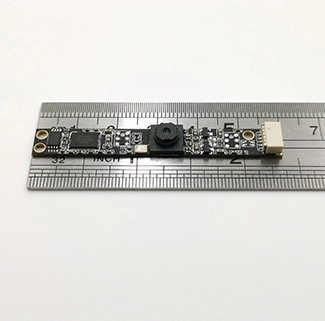
CK-USB-OIS-13M-FF-V2.1 13MP USB Camera with OIS Specifications
The following specifications describe the listed CK-USB-OIS-13M-FF-V2.1 configuration. Final OIS performance, output mode, operating-system compatibility and image quality must be validated with the selected firmware, USB host, lens, enclosure and application conditions.
| Specification | Listed Configuration / Reference | Integration Notes |
|---|
| Module Number | CK-USB-OIS-13M-FF-V2.1 | Customized revisions should be identified separately |
| Maximum Listed Resolution | 4208 × 3120, approximately 13MP | Available frame rate and output mode require firmware and host confirmation |
| Sensor Format | 1/3.06-type | The lens image circle and mechanical design must match the sensor format |
| Pixel Size | 1.12 µm × 1.12 µm | Final image quality also depends on optics, exposure, lighting and processing |
| Output Format | YUV or MJPEG | Confirm supported resolutions, frame rates and format combinations in the supplied firmware |
| USB Interface | USB camera interface; 5 V input | Confirm the USB version, connector, cable and UVC implementation for the supplied module |
| Operating Current | 180 mA ± 10 mA | Confirm the measurement mode and OIS operating state |
| Listed Host Systems | Linux, Android and Windows | Compatibility depends on firmware, UVC support, host hardware and OS version |
| Focus Configuration | Fixed focus; listed object distance 50 cm to infinity | Verify sharpness at the actual target distance; OIS is not autofocus |
| Lens Construction | 5P + IR filter | Applies to the listed lens configuration |
| Aperture / EFL | F/2.2; EFL 2.26 mm | Alternative optics require a separate optical and mechanical review |
| Field of View | Listed FOV: 117° | Confirm whether the value is diagonal, horizontal or vertical before using it as a design limit |
| Total Track Length | 25.3 mm ± 0.3 mm | Enclosure clearance must allow for the complete optical and OIS assembly |
| TV Distortion Reference | Listed reference: < -11% | Confirm measurement direction, method and selected lens before project approval |
| IR Filter Reference | 650 nm ± 10 nm | Confirm spectral requirements according to the application lighting |
| Automatic Image Controls | Automatic gain, exposure and white balance | Available controls and tuning range depend on firmware |
| Signal References | Sensitivity: 1.4 V/lux-sec at 550 nm; SNR: 33 dB; dynamic range: 80 dB | Reference values; actual output varies with mode, exposure, lighting and processing |
| Operating Temperature | -30°C to 70°C | Validate the complete module, lens assembly, cable and enclosure under project conditions |
How Optical Image Stabilization Works
An OIS camera typically detects supported angular movement and adjusts an optical component to help keep the projected image more stable during exposure. For this 13MP USB camera with OIS, the exact motion-sensing, actuator-control and calibration architecture should be confirmed for the supplied module revision.
What OIS Can Help With
Small handheld movement or limited platform vibration that would otherwise reduce sharpness during image capture.
What OIS Cannot Replace
Correct focus, sufficient lighting, suitable exposure, mechanical isolation and application-level image-quality validation.
What Still Requires Testing
Vibration direction and frequency, exposure time, mounting orientation, enclosure clearance, firmware and sustained USB operation.
OIS vs EIS vs Fixed Focus
| Function | Primary Purpose | How It Works | Important Limitation |
|---|
| OIS | Reduce blur caused by supported camera movement | Physically adjusts an optical component | Compensation range and frequency response are limited |
| EIS | Digitally stabilize video | Uses image processing and normally reserves or crops part of the image | Requires processing resources and can reduce usable image area |
| Fixed Focus | Maintain a preset focus range | Uses a fixed optical focus position | Does not automatically refocus and does not provide stabilization |
Selection note: OIS reduces certain types of camera-motion blur, while fixed focus defines the intended sharpness range. They solve different problems and must be evaluated separately.
When Should You Choose an OIS USB Camera?
This ois camera module can be evaluated when a camera is installed in a portable device or on a platform where limited movement may affect high-resolution capture. It should not be presented as a substitute for mechanical shock protection or a guaranteed solution for every vibration condition.
Suitable for Evaluation
Portable inspection devices
Handheld scanners and terminals
Cameras on lightly vibrating platforms
High-resolution still-image capture in mobile equipment
Requires Additional Measures
Severe shock or continuous high-amplitude vibration
Fast-moving subjects requiring short exposure
Poor lighting without adequate exposure control
Projects requiring certified performance without application testing
USB Output and Host Compatibility
The listed ois camera module provides YUV or MJPEG output with a maximum listed image size of 4208 × 3120. The current specification does not define every resolution and frame-rate combination, so the required mode must be confirmed in the supplied firmware before sample approval.
Output format:
Confirm whether the project requires YUV or MJPEG and which controls are available.
USB implementation:
Confirm the USB version, UVC behavior, connector, cable length and host port.
Host system:
Validate the actual Linux, Android or Windows version and application software.
Sustained operation:
Test image stability, OIS behavior, temperature, power and dropped frames over time.
For background on compression and host limitations, review the USB camera bandwidth and frame-rate guide.
OIS Integration Checklist
OIS performance cannot be evaluated from resolution alone. Before requesting a sample, define the movement, installation and image-quality conditions that the finished device must handle.
| Integration Item | Information to Confirm | Why It Matters |
|---|
| Movement profile | Direction, frequency, amplitude and duration | Determines whether the OIS system can address the actual motion |
| OIS control | Initialization, enable/disable method, calibration and control ownership | Prevents incorrect assumptions about firmware or host responsibility |
| Mechanical clearance | Lens assembly space, mounting orientation and enclosure opening | Avoids restricting the optical assembly or introducing stress |
| Exposure and lighting | Scene illumination, exposure time, gain and target motion | OIS cannot replace adequate exposure or freeze moving subjects |
| USB and software | Host OS, UVC requirement, resolution, format and frame rate | Confirms end-to-end compatibility rather than sensor capability alone |
Image-quality issues can be reviewed through CK Vision’s camera sensor debugging workflow.
Lens, Field of View and Working Distance
The listed optical configuration uses a 5P lens with an IR filter, F/2.2 aperture, 2.26 mm effective focal length and a stated 117° field of view. The module identifier and listed object distance indicate a fixed-focus configuration intended for approximately 50 cm to infinity.
Before selecting the lens, provide the target size, camera-to-target distance, required coverage, acceptable distortion and enclosure opening. See how working distance and field of view affect the final image.
Manufacturing Appearance and Dimensional Inspection
The following checks summarize the listed appearance and dimensional inspection requirements. Final acceptance criteria should follow the approved product drawing, inspection standard and customer agreement.
| Inspection Item | Listed Requirement | Listed Method |
|---|
| Whole module | No visible smudges, scratches or foreign matter | 8× magnification |
| Lens | No scratches or foreign matter under listed lighting conditions | Eye-level inspection at 800 ± 100 lux with reflected light at 45°; 8× magnification |
| UV adhesive | Dispensing length of 1/3 to 1/2 of the perimeter; no overflow onto the lens end face or base | 8× magnification |
| Sealant | Even fill between the base and PCB, without gaps, uneven thickness or overflow affecting FPC size | 8× magnification |
| PCB | Clean surface and legible printing; listed burr and notch limits apply | 45× magnification |
| Height, length and width | Must meet the approved drawing | Caliper measurement |
13MP USB Camera with OIS Structure Diagram
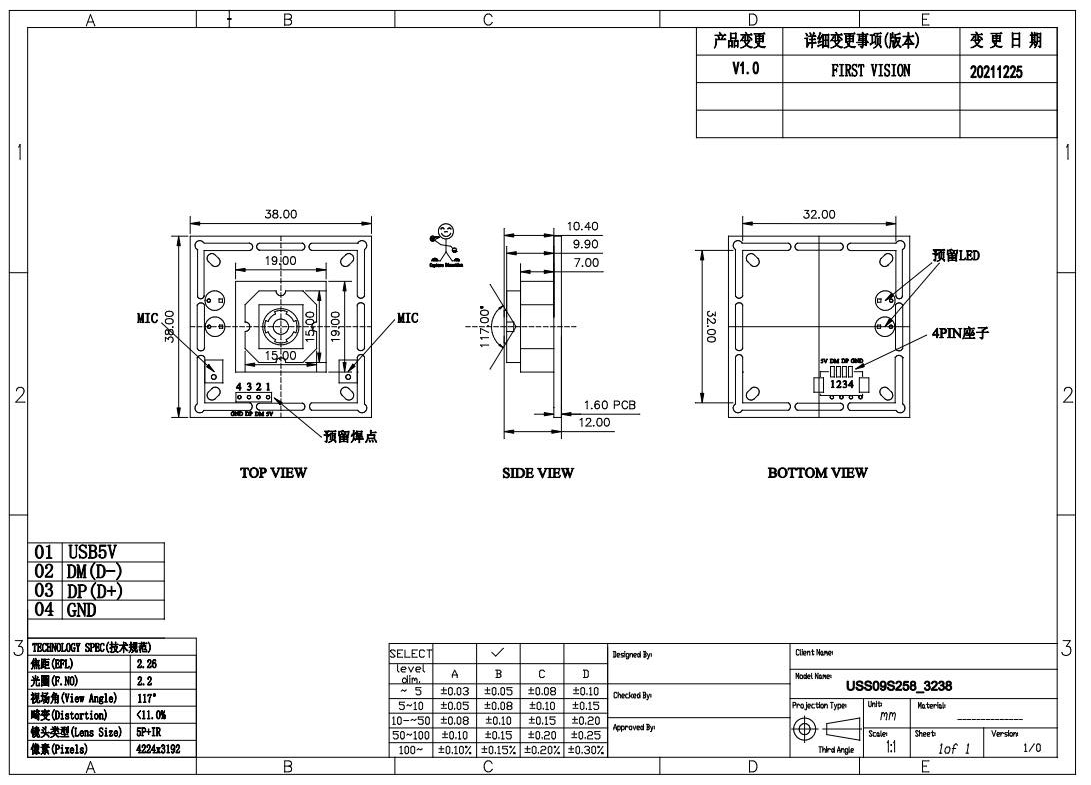
Structure illustration for the listed CK-USB-OIS-13M-FF-V2.1 configuration. Confirm the current production drawing and connector definition before mechanical integration.
Standard 13MP USB Module or OIS Version?
| Project Condition | Recommended Direction | Main Validation |
|---|
| Stationary or mechanically stable installation | Standard 13MP USB camera module | Resolution, focus range, USB output and host compatibility |
| Limited handheld movement or platform vibration | CK-USB-OIS-13M-FF-V2.1 OIS version | Movement profile, OIS control, fixed-focus range and enclosure clearance |
| Severe shock or high-amplitude continuous vibration | OIS plus mechanical isolation after feasibility testing | Mechanical design and full system validation |
OEM Customization Options
CK Vision can evaluate customization according to the host, enclosure and imaging requirements. Available options depend on technical feasibility and project volume.
Mechanical: PCB or FPC outline, mounting position, connector and cable direction
Optical: lens, FOV, focus range, IR filter and distortion requirements
USB: interface version, output modes, connector, cable length and host validation
OIS: control method, calibration, mounting orientation and enclosure clearance
Firmware: YUV or MJPEG modes, UVC behavior and image-control requirements
Project: prototype review, application testing and production-configuration control
Customers comparing other resolutions and interface options can review CK Vision’s USB camera module solutions.
13MP USB Camera with OIS FAQ
What does OIS do in a USB camera module?
OIS helps compensate for supported camera movement by adjusting an optical component during capture. Its effectiveness depends on the movement profile, exposure, control system, calibration and mechanical installation.
Is OIS the same as autofocus?
No. OIS addresses certain types of camera movement, while autofocus changes the focus position. The listed CK-USB-OIS-13M-FF-V2.1 configuration is fixed focus, with an indicated object distance of approximately 50 cm to infinity.
What is the difference between OIS and EIS?
OIS physically adjusts an optical component, while EIS stabilizes images through digital processing and commonly uses a reserved or cropped image area. The two methods have different hardware, processing and image-quality trade-offs.
Can OIS eliminate all image blur?
No. OIS cannot freeze a fast-moving subject, correct every rolling-shutter artifact or replace mechanical isolation under severe vibration. Test the module under the actual lighting, exposure and motion conditions.
What resolution and output formats are listed?
The listed maximum image size is 4208 × 3120, with YUV or MJPEG output. The specification does not define every frame-rate combination, so the required mode must be confirmed in the supplied firmware.
Does the module support UVC?
The supplied firmware and USB controller determine UVC behavior, descriptors, controls and supported modes. Confirm the host OS, required video format, resolution and frame rate before sample approval.
Which operating systems are listed?
Linux, Android and Windows are listed. Actual compatibility depends on the operating-system version, host USB hardware, firmware, UVC implementation and application software.
Can the module be customized?
Optical, mechanical, USB and firmware customization can be evaluated after reviewing the enclosure, host, movement profile, output mode, lens and production requirements.
What information is required for an OIS camera sample?
Provide the host device and OS, required resolution, frame rate and output format, USB and UVC requirements, vibration profile, mounting orientation, enclosure drawing, working distance, FOV, connector, cable length, prototype quantity and estimated production demand.
Request an OIS Camera Compatibility Evaluation
Send the required image mode, USB and host information, movement profile, installation direction, enclosure drawing, lens and working-distance requirements, UVC controls and prototype quantity. CK Vision will review the optical, mechanical, electrical, firmware and OIS integration requirements before recommending a sample configuration.
Contact CK Vision